
Industrial Computer MELIPC Series
Solution template -Features-

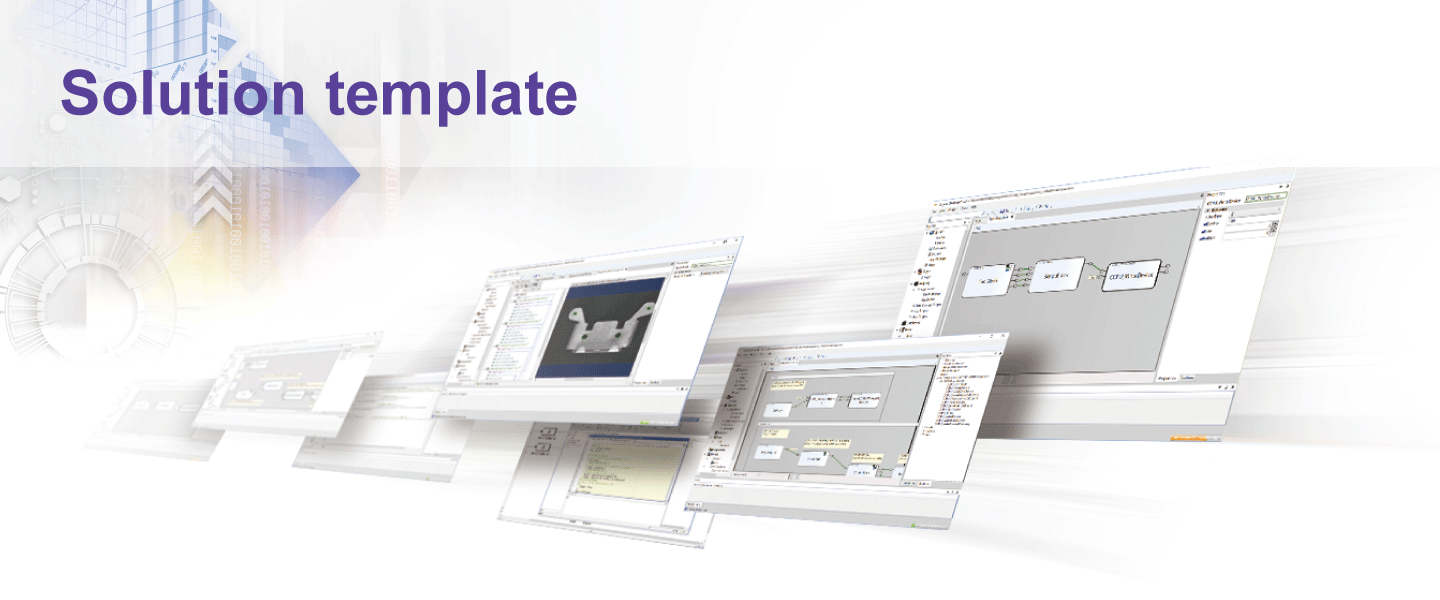
Solution templates are sample programs designed with customer's applications in mind such as inspection by image processing and monitoring/control by model-based development. Multiple solution templates are available for selection according to the application. Using the template as a system development base enables MELIPC application development easier.
Specifically presents compatible devices and software
Combination and connection method of compatible devices and software are presented in solution templates, making it easy to select connectable devices, thereby reducing development time.
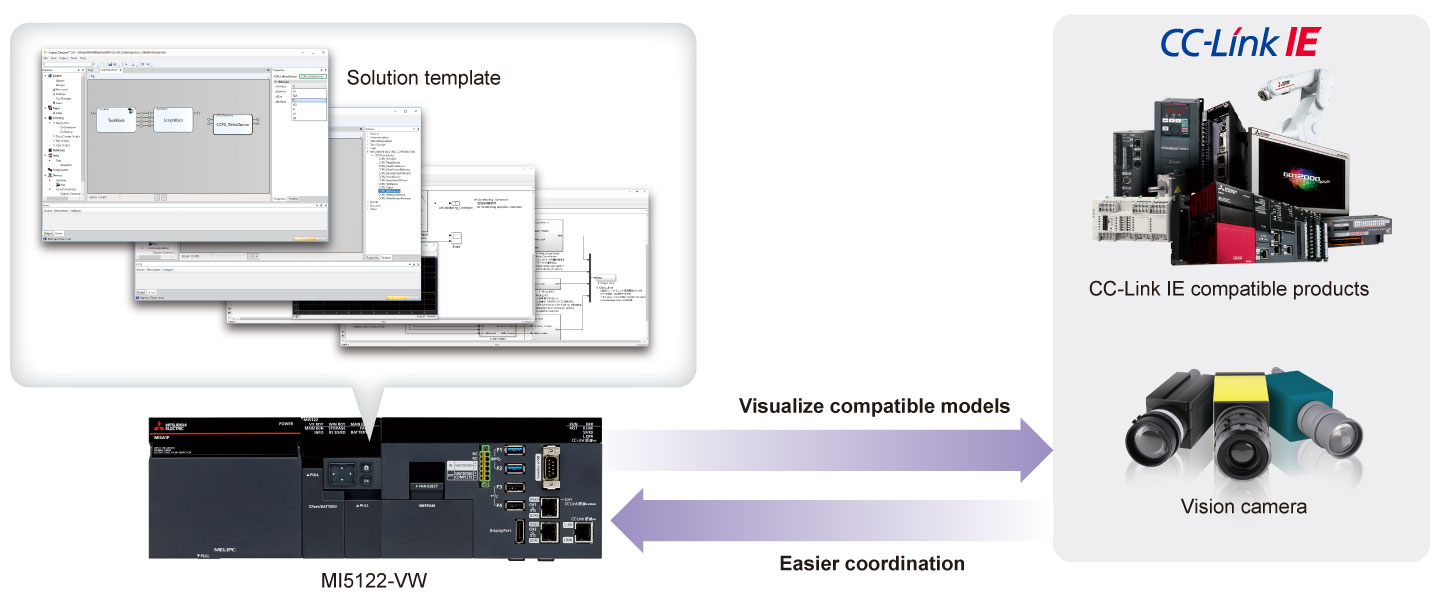
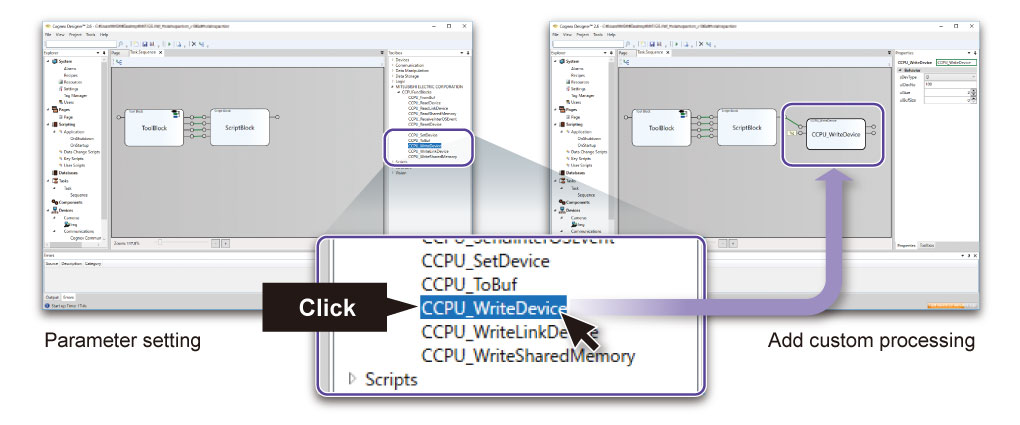
Plug-in for coordination with MELIPC
Solution templates offer a plug-in for coordination between MELIPC and compatible devices/software, realizing easier access to compatible devices/software.
Customizable
Contents of solution templates can be customized by modifying and adding processing according to applications. Customizing solution templates according to requirements can reduce tasks for implementation.
Lineup
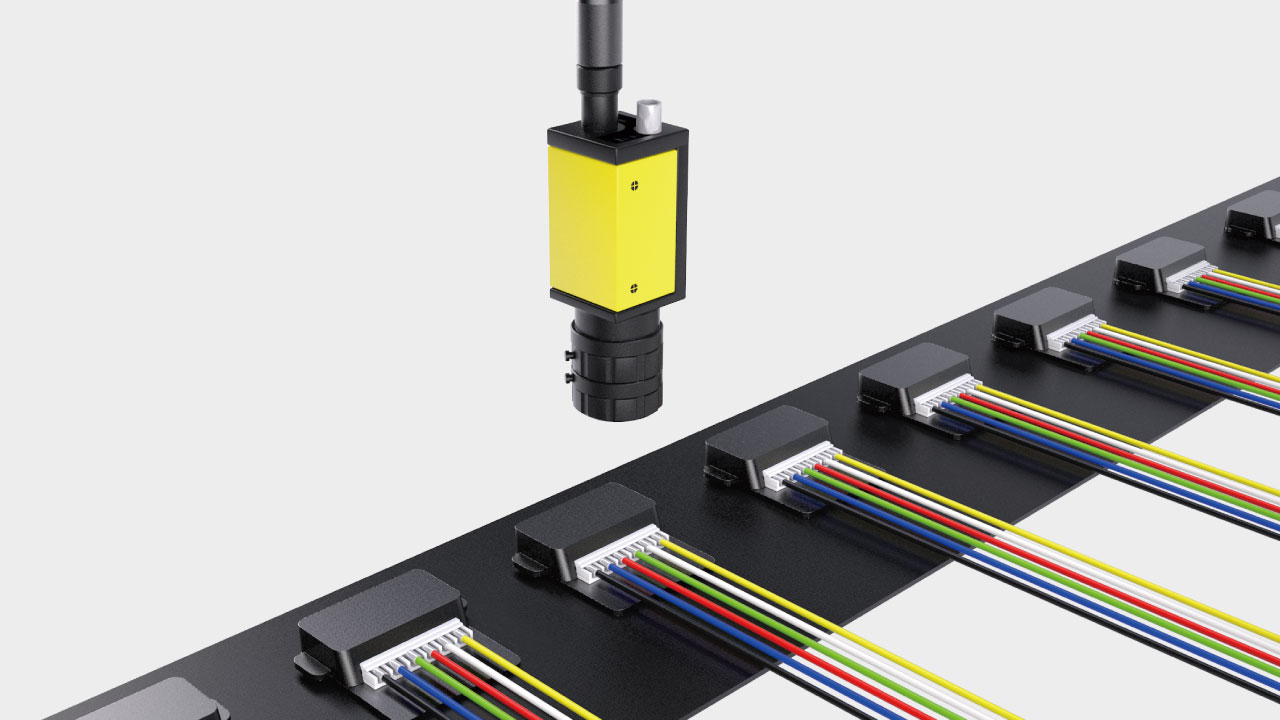
・Image processing support function
Function to support creation of vision processing application *1
| Sample | Outline |
|---|---|
| Hole dimensions check | Check the work hole position and dimensions |
| Wire harness incorrect wiring detection |
Check whether the wire shape and color order connected to the harness is correct or not |
| Delivered product check | Check letters printed on the carton |
| Electronic parts check | Check whether the number of pins connected to the IC is correct or not |
・Model-based development support function *2
| Sample | Outline |
|---|---|
| Automated warehouse | Entering and dispatching of products from warehouse |
| Tension test | Realize equivalent function as tension test machine |
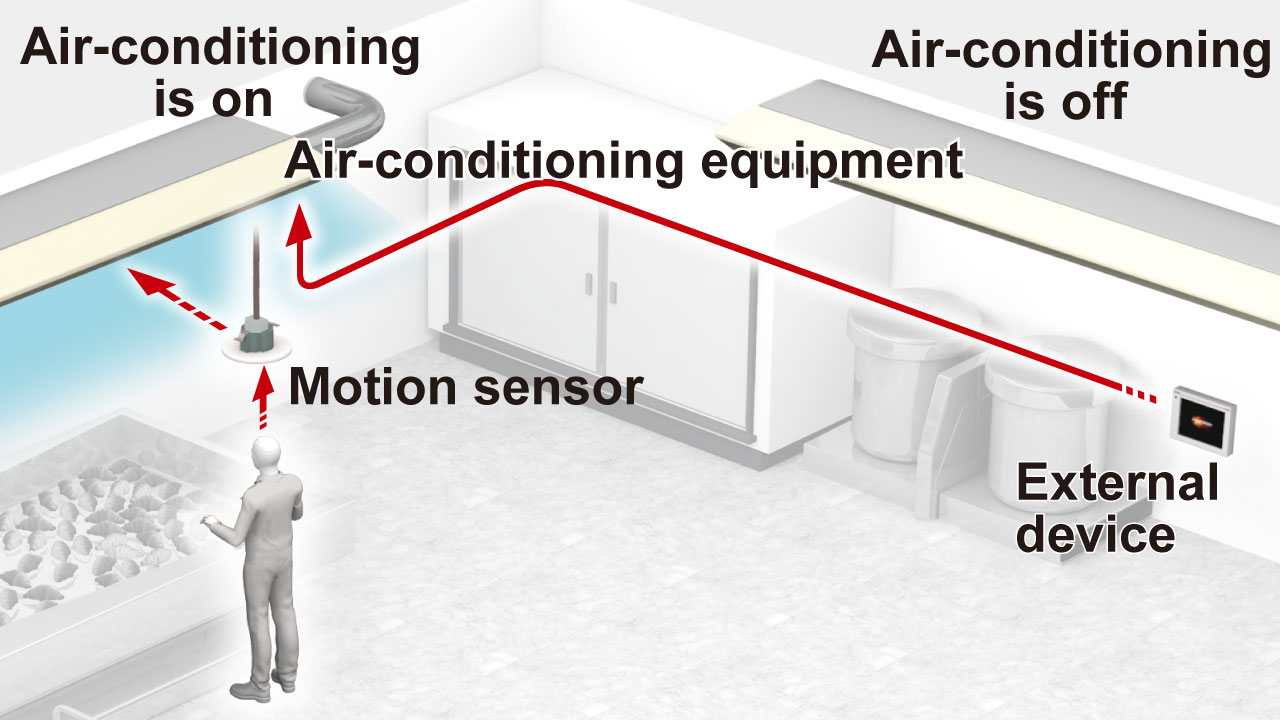
| Air-conditioning management | Perform air-conditioning control and cost calculation |
- *1COGNEX image processing software “Cognex Designer” is used.
- *2MathWorks multiple domain simulation “Simulink ®” is used.
Note:For details on how to obtain solution templates, please contact your local Mitsubishi Electric sales office or representative.