
Code Reader
Configuration tool

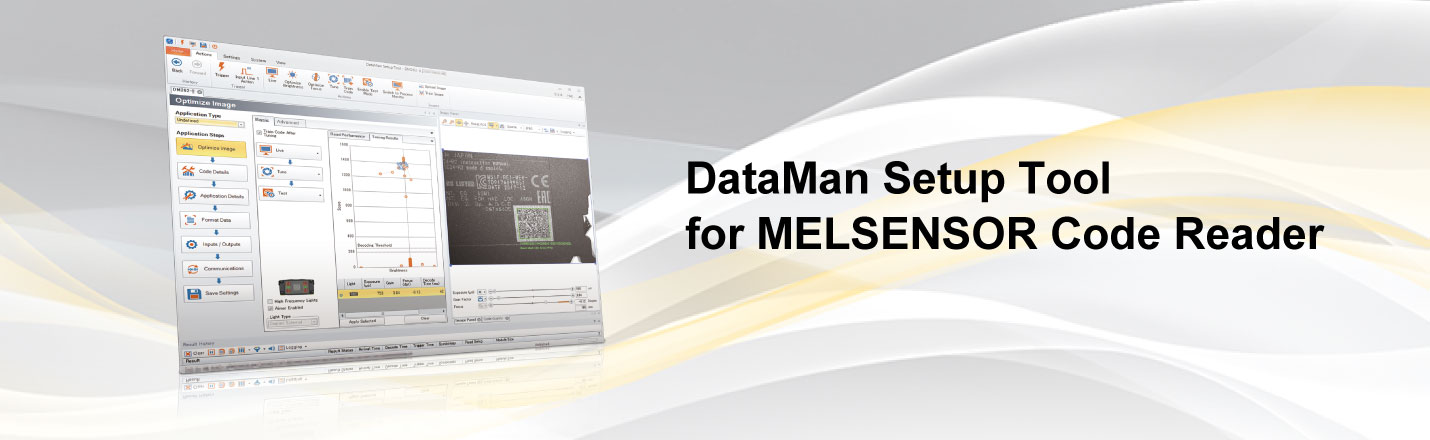
Easy setup with configuration tool
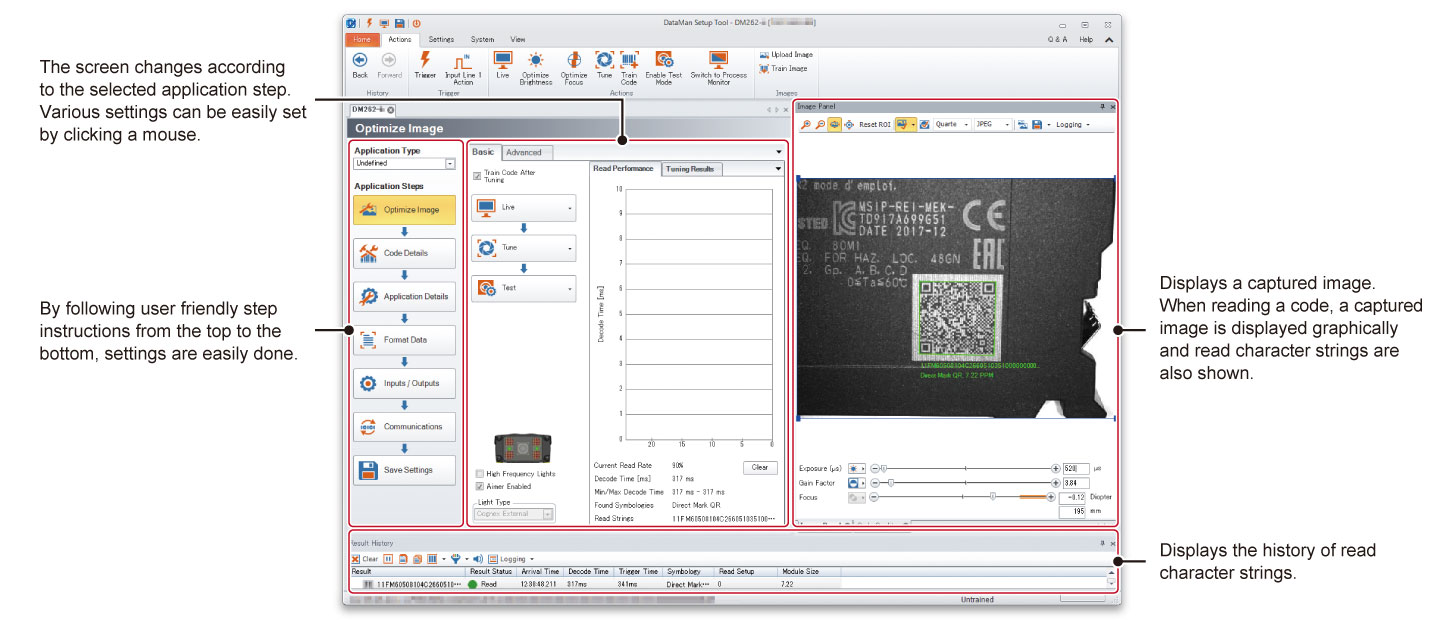
Application settings are easily done with DataMan Setup Tool for MELSENSOR Code Reader just by setting each process such as code reader connection, adjustment, reading test in the order of the left navigation.
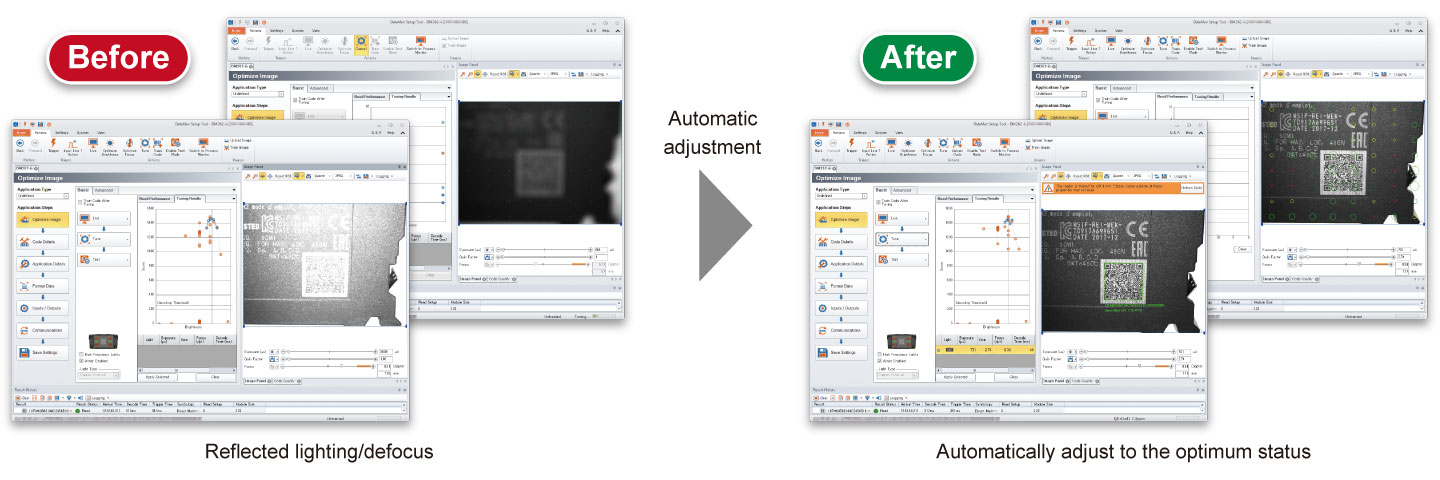
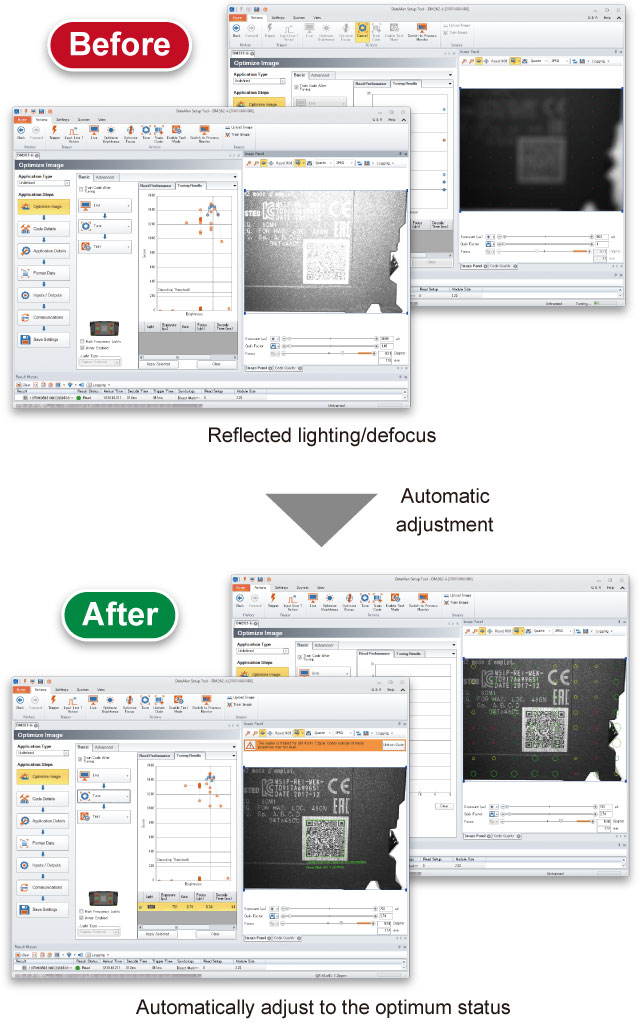
Easier setting with automatic adjustment
Auto-tuning function enables automatic focusing and lighting adjustment. Optimum setup according to the environment is easily done just by pressing a button on the code reader. Even novice users can make settings easily.
Save history of acquired codes
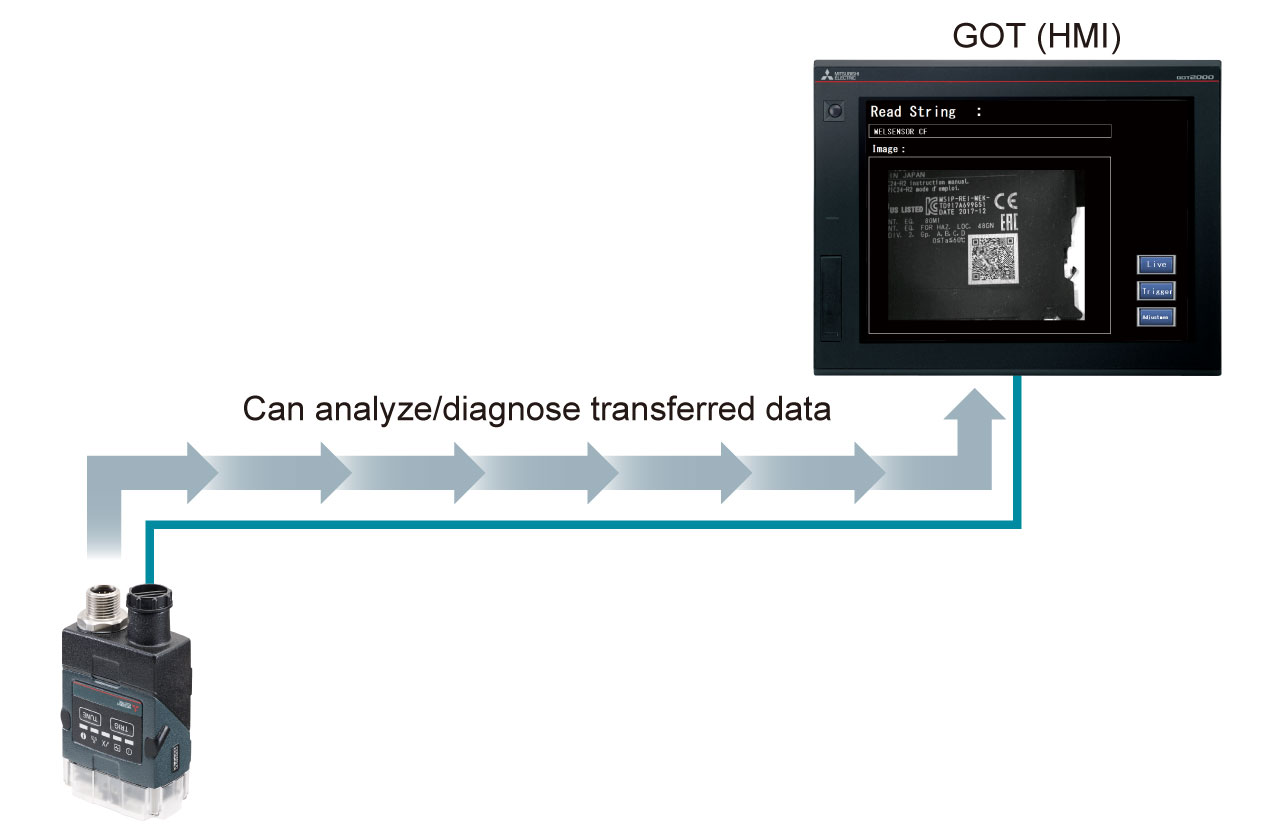
Recognition result images of the coder reader can be transferred to the GOT (HMI) and IT system. By analyzing and diagnosing the transferred data, the cause of reading failure is identified, allowing improvement.
Check change in code quality
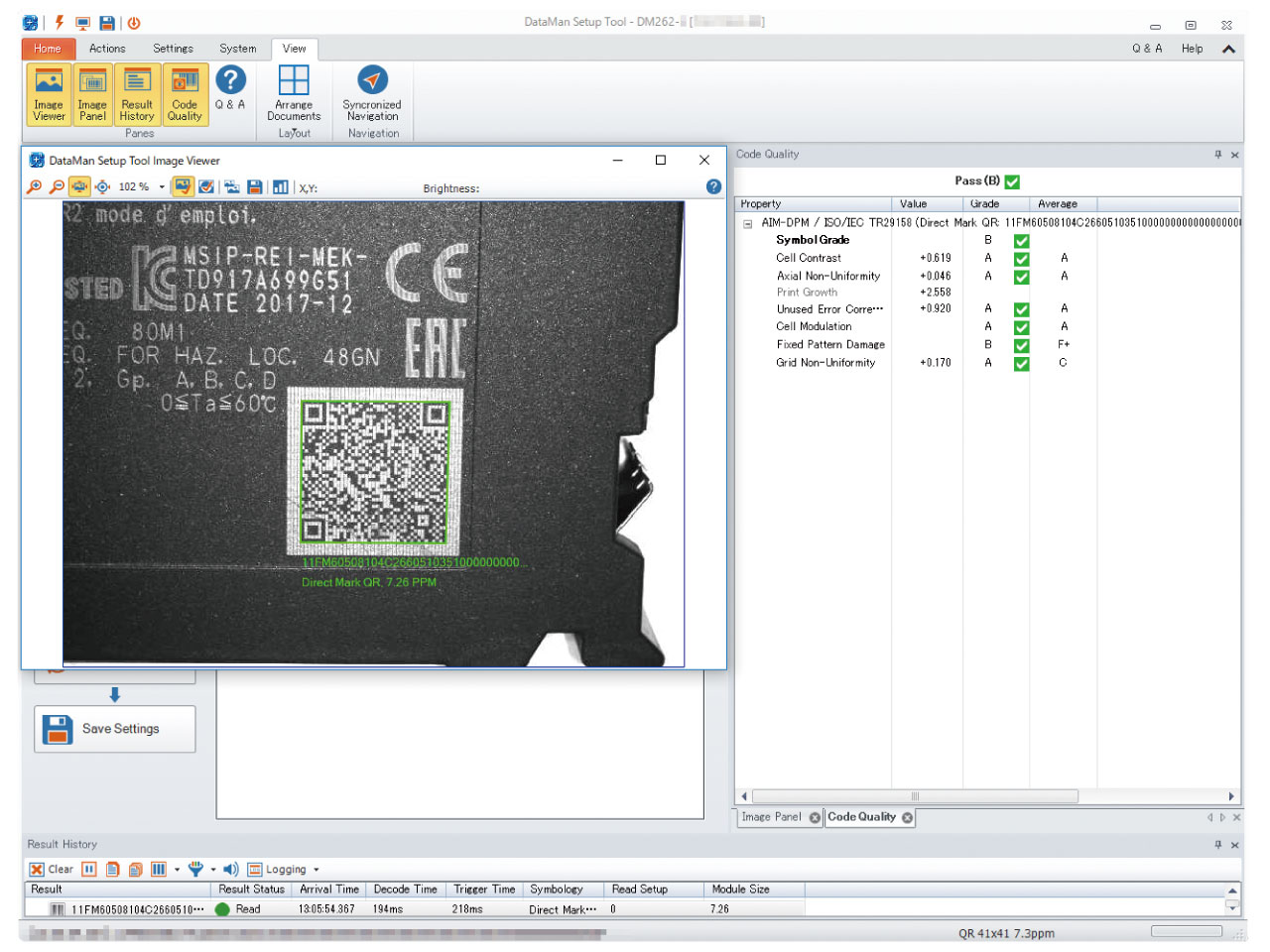
Printing statuses of acquired codes are output with interim grades. Change in code quality can be checked in real-time, allowing utilization for preventive maintenance.
Download
Click here to download the In-Sight Explorer(Cognex Corporation) 
* Available for free download