
Products
MELSOFT MaiLab

How to use MELSOFT MaiLab
Here's how to use it in 4 simple steps. Watch the video for detailed instructions.
Easy analysis/diagnosis in 4 steps
MELSOFT MaiLab is a tool that enables easy data analysis in 4 basic steps.
Data collection

Data collection
Examine what data should be collected and how they should be collected.
Offline analysis


Data set creation
First, read the data to be analyzed into MELSOFT MaiLab and register them. A group of registered data is called a “data set”. The data set can be shown in various kinds of graphs, so that it can also be easily checked by human eyes before performing diagnosis using AI.
Offline analysis
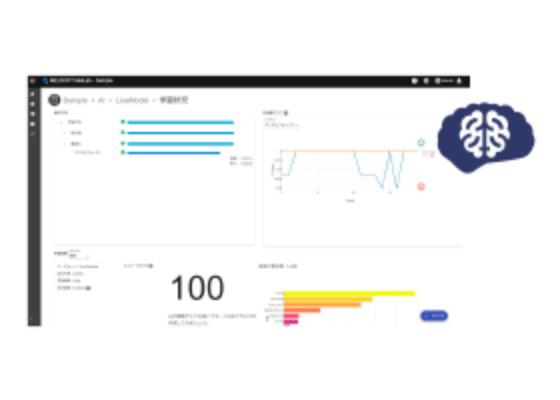

AI creation
Learning from the data set is performed. A model that enables diagnosis of unknown data is called “AI”. When “What you want to do (objective)” is selected, the regularity and rules of the data are automatically derived, and MELSOFT MaiLab creates the “AI”.
Real-time diagnosis
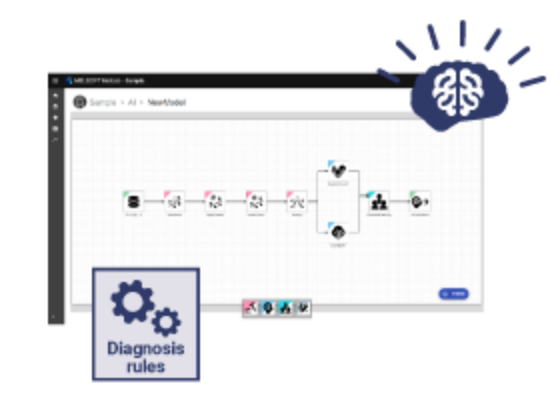

Task creation
Settings for performing diagnosis of unknown data are called a “task”. MELSOFT MaiLab will define the data input/output methods and threshold values for whether diagnostic results are good or bad. The accuracy is displayed as a score, which serves as a guideline for judgment.
Real-time diagnosis


Task execution and monitoring
You can execute tasks and monitor the diagnosis status of unknown data. Deployment to equipment can be easily performed with just a click. Data flow and good or bad judgment status can be confirmed on a graphical display via the learning server.
Learn more about the procedure.

Video showing how to use
Watch a tutorial video to learn how to use MELSOFT MaiLab.
Offline analysis
Easy data registration and visual confirmation

In order to analyze the data and create the diagnosis model, it is necessary to register the data subject to analysis in MELSOFT MaiLab. A group of registered data is called a “data set”. By registering the data set, the data can be visualized in tables or graphs, and diagnosis models can be created.
Automatic learning based on your objectives

You can create the optimum diagnosis. You can begin analysis even without specialized AI knowledge. First, perform pre-processing of the data set and create AI by performing learning according to analysis methods.
Customizable AI

MELSOFT MaiLab not only automatically creates AI, but it also lets you customize the created AI or create your own original AI. You can construct AI models with higher accuracy.
Real-time diagnosis
Easy to apply the results to equipment

A group of processes (process flow) using the created AI to perform diagnosis on unknown input data and output the diagnosis results is called a “task” in MELSOFT MaiLab.
A simple task can be automatically created by setting the necessary parameters for the operation of each process. The status is shown in real time during task execution.