Products
Setting Software for EcoWebServer Ⅲ
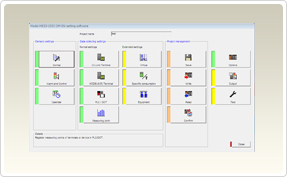
How to downloads Setting Software for EcoWebServer Ⅲ- Select the model of the EcoWebServer Ⅲ in use.
- Touch the Setting Software for EcoWebServer Ⅲ file with your mouse and then click the left mouse button.
- Select the place where the file will be saved.
- Open the Explorer and double click the compressed file that is saved.
- Double click "Setup.exe" - Select "Next" or "Yes"
- Double click "Setup.exe"
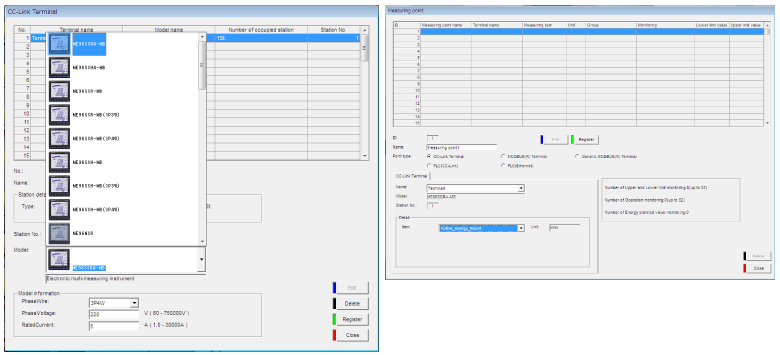
Display Sample