• สอบถาม
    • โทรศัพท์
    • Line
    • Facebook
    • แผนที่
  • Share
    • X
    • Facebook
    • LinkedIn
    • e-mail
Products
Product Menu open
Energy Saving Supporting Devices
Product List
Product Features
Software Features
Setting Software for EcoWebServer Ⅲ
Demo Software for EcoWebServer Ⅲ
Energy Saving Support Software EcoAdviser
Demo Software for EcoAdviser
Daily Monthly Report Software EcoMeasure Ⅲ
Engineering Tool for EcoMonitorPlus Control Unit
Remote Monitoring Tool for EcoMonitorPlus Control Unit
Logging Unit Utility
Data Acquisition Software
GOT Sample Screen Data

Logging Unit Utility

How to Downloads Logging Unit Utility

  1. Touch the Logging Unit Utility file with your mouse and then click the left mouse button.
  2. Select the place where the file will be saved.
  3. Open the Explorer and double click the compressed file that is saved.
  4. Copy the "LoggingUnitUtility" folder to any folder.

Display Sample
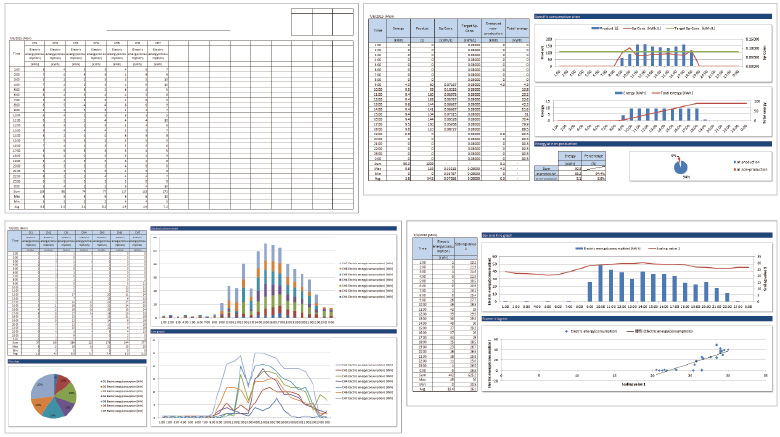
sample

Related
products
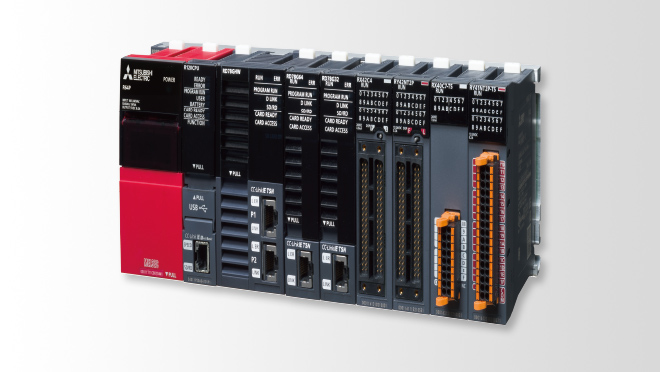
MELSEC iQ-R series
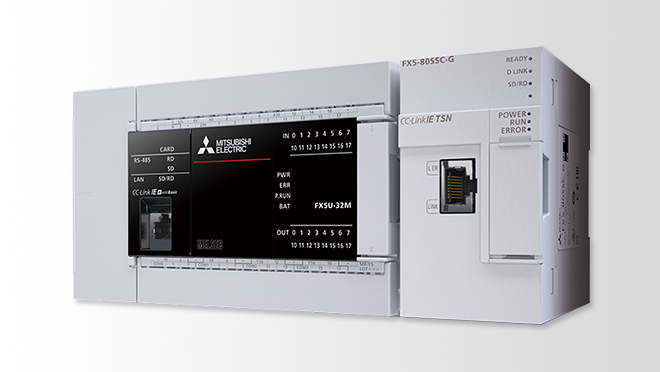
MELSEC iQ-F series
MELSEC iQ-R Series
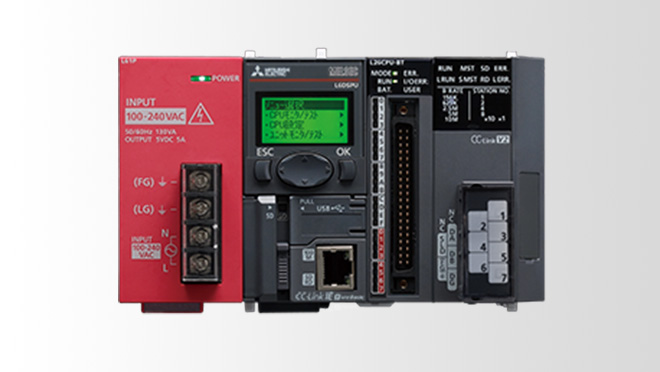
MELSEC-L Series
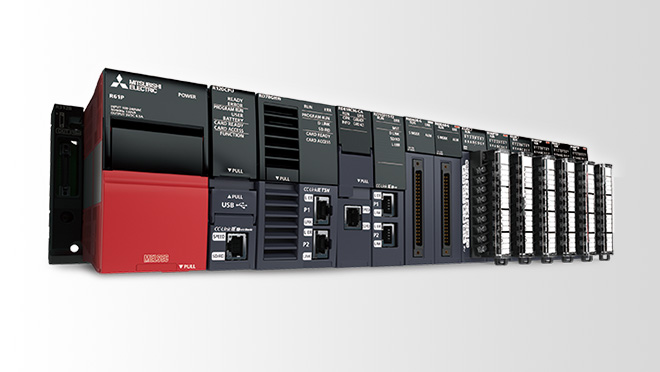
MELSEC-QS/WS Series
MELSEC-A Series
Network-related products
Engineering Software
MELSEC-F Series