GOT3000 Series GT37 model Remote Solutions

Improve work efficiency from startup to maintenance with remote monitoring.
Monitor according to your requirements
Monitor the site with remote visualization solutions suited for your application.
Application examples
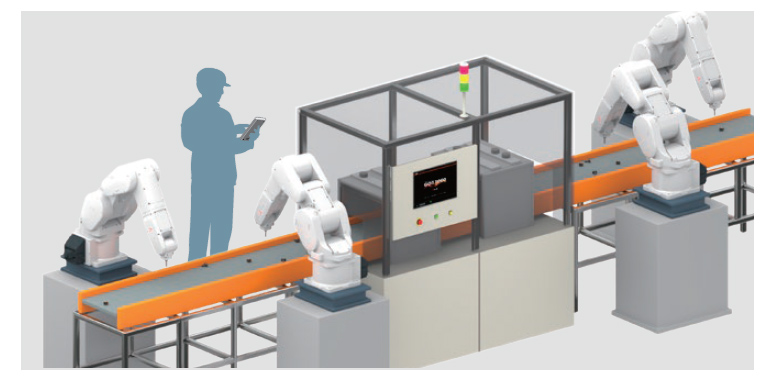
Adjusting the equipment remotely, away from the control panel
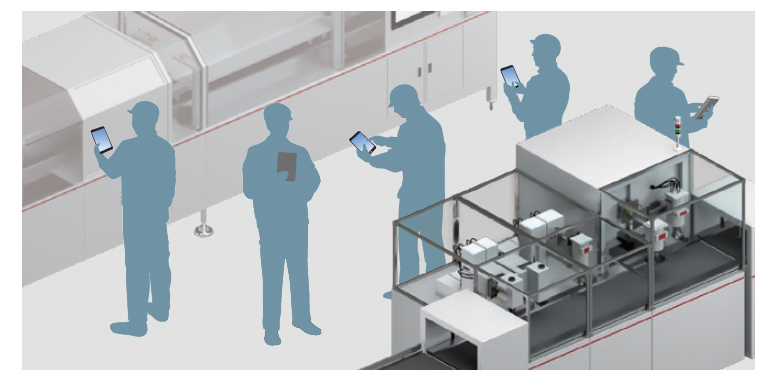
Multiple people working simultaneously
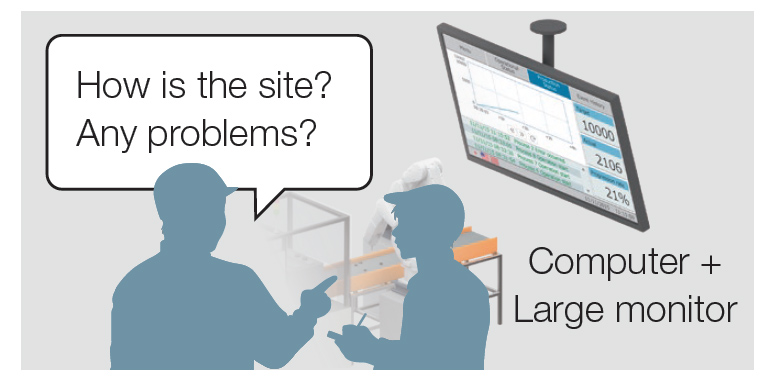
Visualizing with a large screen
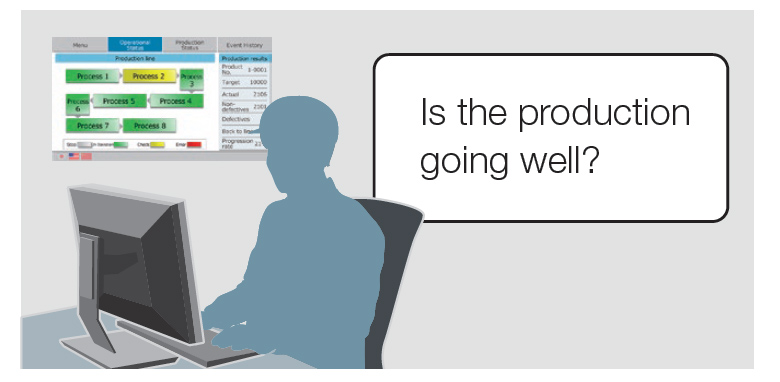
Checking from the office
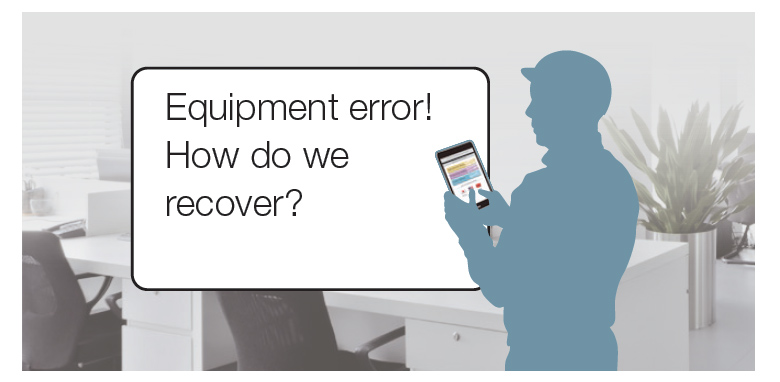
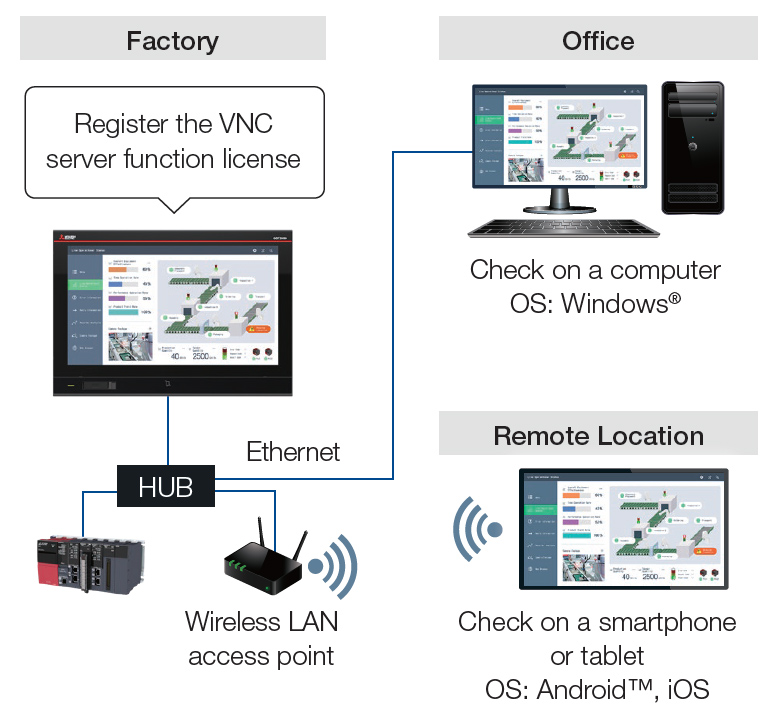
Checking from remote locations
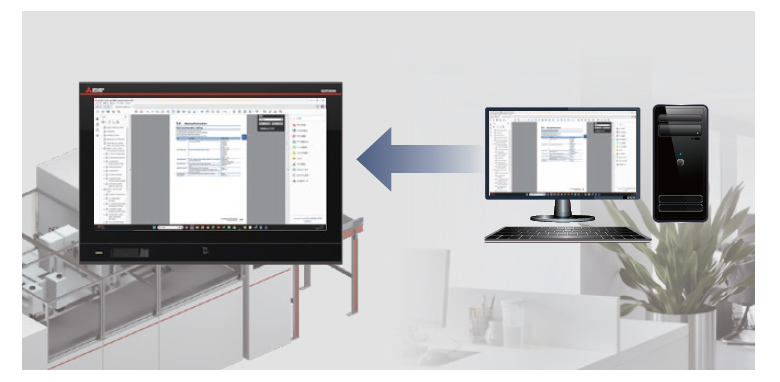
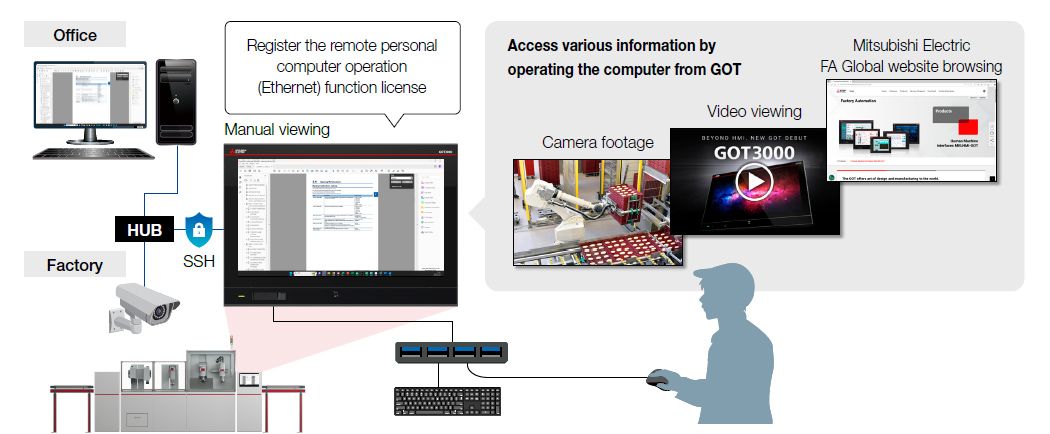
Equipment recovery while consulting the manual on the computer
Remote monitoring comparison
●: Supported -: Not supported
| Item | Monitor and Operate GOT3000 or GT SoftGOT3000 from a Computer or a Mobile Device | Monitor the devices connected to GOT from SoftGOT | ||||
|---|---|---|---|---|---|---|
| GOT Mobile Function | VNC Server Function | SoftGOT-GOT Link Function | ||||
| GOT | SoftGOT | |||||
| Simultaneous Client Connections |
Max. 5 | Max. 15 | 1 | Max. 7 (when using the GOT network interaction function) |
||
| Display Different Screens for each Client |
● | - Display GOT screen as is |
● | |||
| Simultaneous Operation Prevention (Exclusive Control of Operational Authority) |
● | ● | ● | |||
| Screen Creation for Remote Monitoring |
Required *1 | Not required | Not required | |||
| Viewing Application | Web browser | VNC viewer *2 | SoftGOT | |||
| License | Register to GOT | Register to SoftGOT | Register to GOT | Register to SoftGOT *3 | ||
- *1The screen is created using GT Works3 (GT Designer3). Screens designed for GOT are reusable.
- *2Regarding the VNC client software that has been operation-verified, please refer to the technical bulletin
- *3GT SoftGOT3000 license is required.
Remotely monitor the site using web browser
UpgradedGOT Mobile License required
- The equipment can be monitored and operated through a web browser on a computer or a mobile device.
- Monitoring the equipment through a web browser eliminates the need for specific software applications or hardware. This allows the system to be built without incurring additional costs.
System configuration
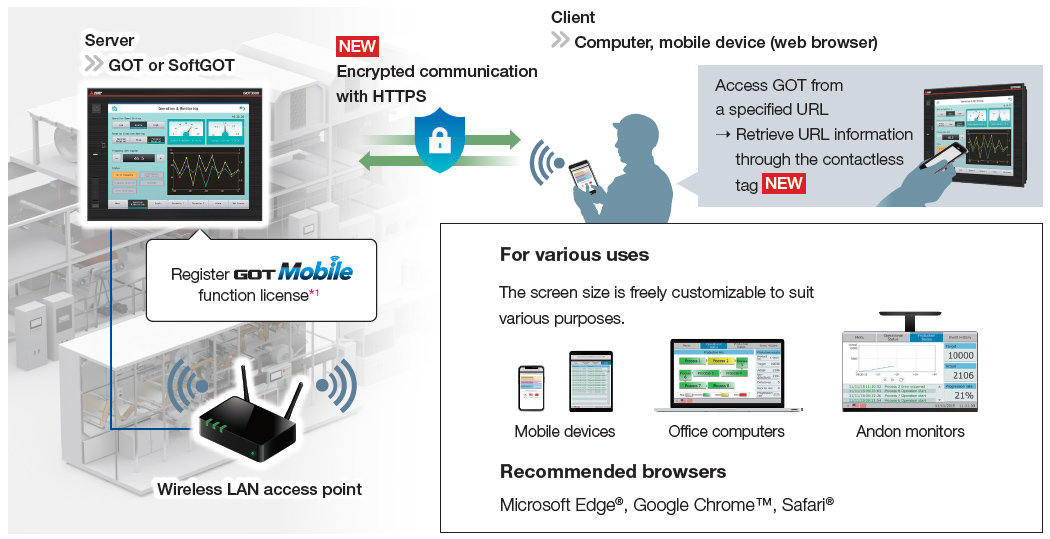
- *By registering one license on GOT or SoftGOT, GOT can be simultaneously connected by up to 5 clients, and SoftGOT can be simultaneously connected by up to 15 clients.

Mobile application Pocket GOT
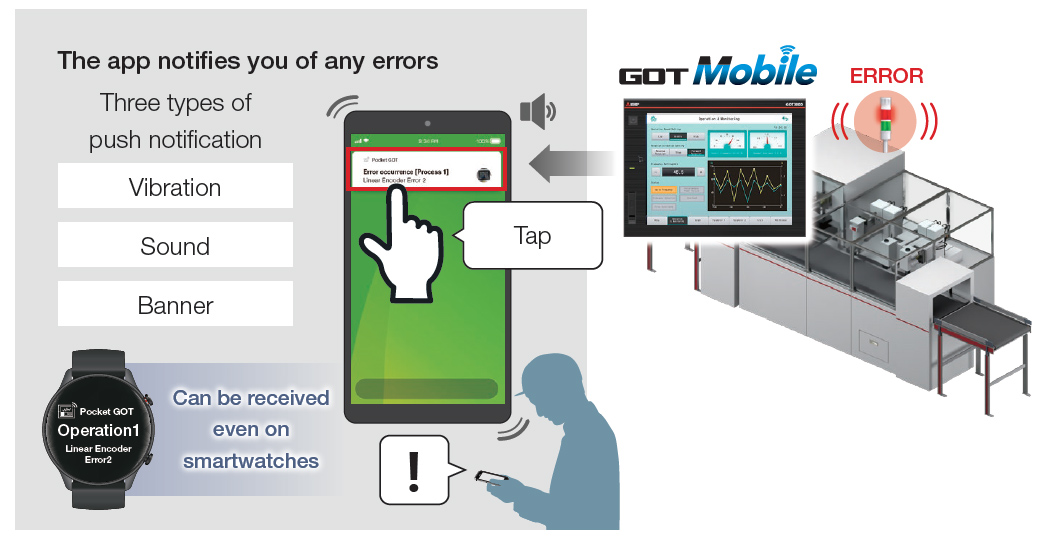
- This is a mobile app for GOT. When installed on a mobile device, the app sends push notifications with sound or vibration if an error occurs in the monitored GOT. Important information won’t be missed.
- With GOT, you can easily build a system that notifies of errors.
- In the mobile app Pocket GOT, you can register up to 20 GOTs to be monitored.
Achieved at no cost by using the free app
[Free]
Download the mobile app here
![[Free] Download the mobile app here](/en/assets/img/products/hmi/got/pmerit/solutions/remote03_03.jpg)
Easy monitoring with the same screen as GOT
UpgradedVNC Server License required
- The GOT screen at a remote site can be displayed and operated as it is on a computer or a mobile device.
There is no need to create a separate display screen. - The GOT screen can be checked directly from the office when a problem occurs, allowing the on-site situation to be quickly understood and promptly addressed.
- NEWSSH port forwarding communication is supported, enabling more secure remote access through an encrypted communication route.
Remote monitoring from the office
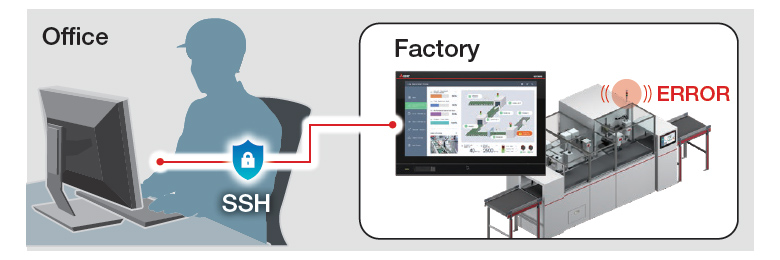
Remote monitoring from the office
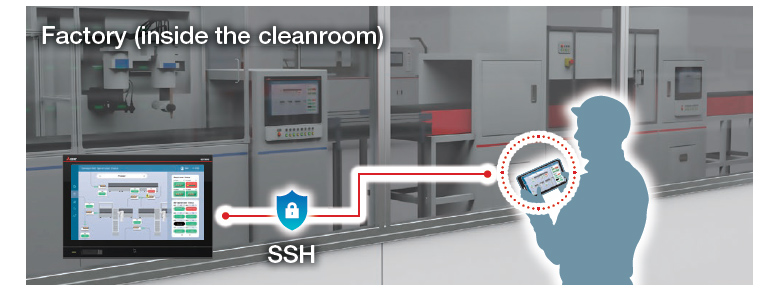
System configuration
Access computer information from GOT
UpgradedRemote Personal Computer Operation (Ethernet) License required
- The computer can be remotely operated from GOT, making manuals and drawings in the computer accessible at the production site.
- When a problem occurs, you can refer to the recovery manual on the computer to proceed with recovery work, enabling swift troubleshooting.
- NEWSSH port forwarding communication is supported, enabling more secure remote access through an encrypted communication route.
Configure and monitor controllers with GOT
NEWWeb Browser
For devices that have been tested for compatibility, please refer to the technical bulletin No. GOT-A-0249-B (PDF).