Intelligence and AI Functions MELFA Smart Plus

- Feature
- Specification
- Standards
- Discontinued
- Features
- Predictive maintenance function
- Preventive maintenance function
- Force sense control enhancement function
- MELFA-3D Vision enhancement function
- 2D vision sensor enhancement function
- Calibration assistance function
- Coordinated control of additional axis
- Robot mechanism thermal compensation function
- Related Catalog

2D vision sensor Enhancement function
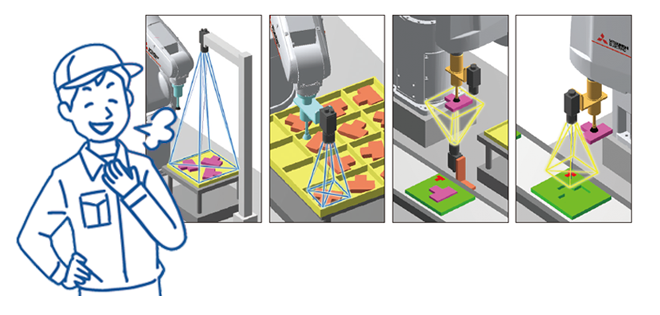
A vision application can be set up easily by following the instructions on the setting screens even when robot programs that require specialist knowledge have not been created.
Different types of applications are available for various vision alignment including pick-and-place operations and grip error correction.
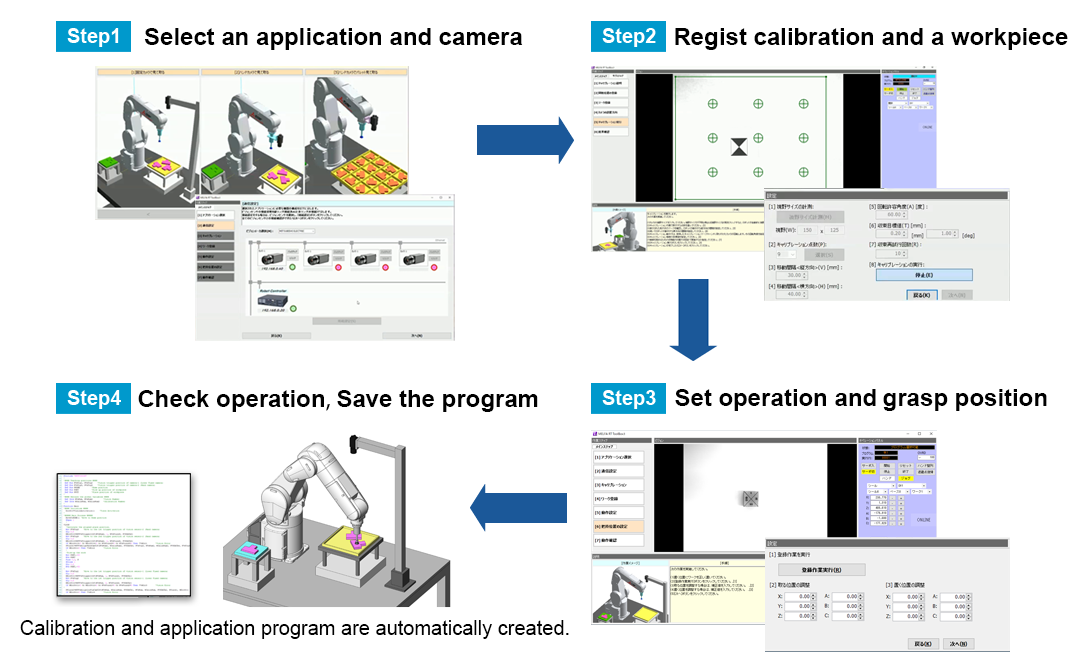
Easy Set-up
Steps from settings to program creation can be performed easily by following the steps on the screens.
Checking the animation on this function enables to find the application you want to set up easily.
Supported robots
| Robot Type | Robot controller | RT ToolBox3 |
|---|---|---|
| FR series, CR series | CR800-D/R/Q Ver.C2b or later. | Ver.1.91V or later |
Vision sensor and Hand
| Vison sensor | Cognex:In-Sight 7000/8000 |
|---|---|
| Hand (*1) | Only a single hand compatible with ON/OFF control of the robot hand dedicated output signal or general-purpose output signal is available. For pneumatic hands, both single solenoid type and double solenoid type are available. (*1: The multifunctional electric gripper option is not available.) |
Application example video
Clicking one of the following application illustrations, and you can see the animation movie of the application installed in this function.
Checking the animation enables for anyone to find the application you want to set up easily.
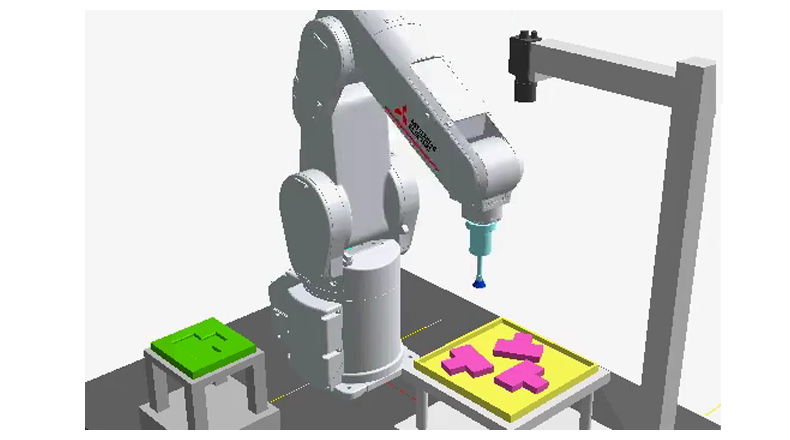
1.Pick a part using a fixed camera
Fixed downward-facing camera x 1
Vertical or Horizontal type robot
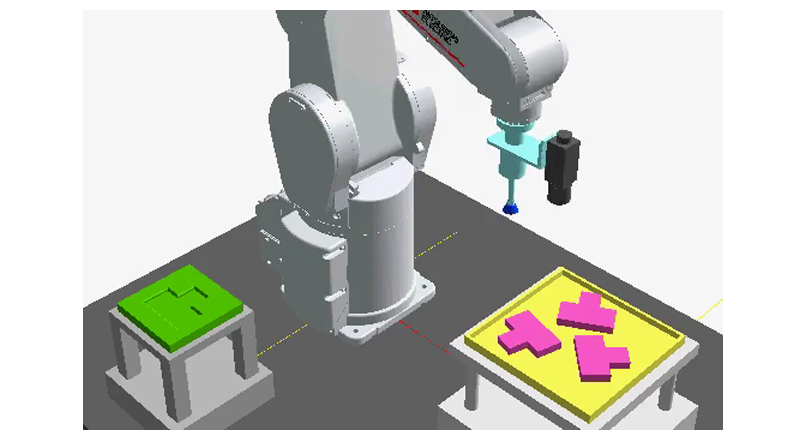
2.Pick a part using a hand camera
Hand camera x 1
Vertical or Horizontal type robot
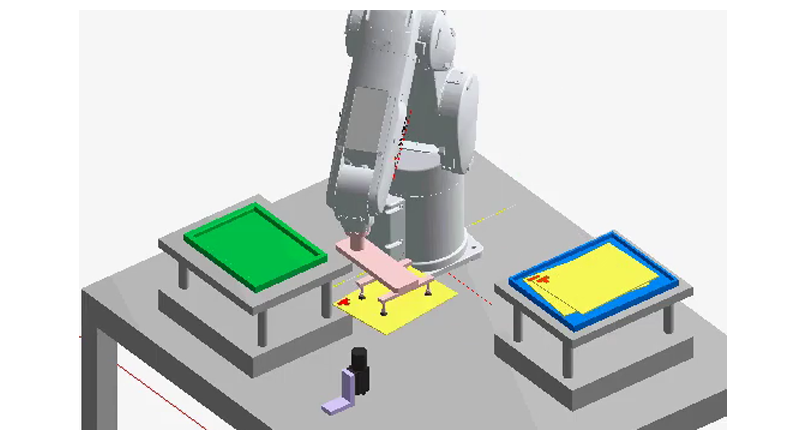
3.Correct grip errors using an upper looking fixed camera
Fixed upward-facing camera x 1
Vertical or Horizontal type robot
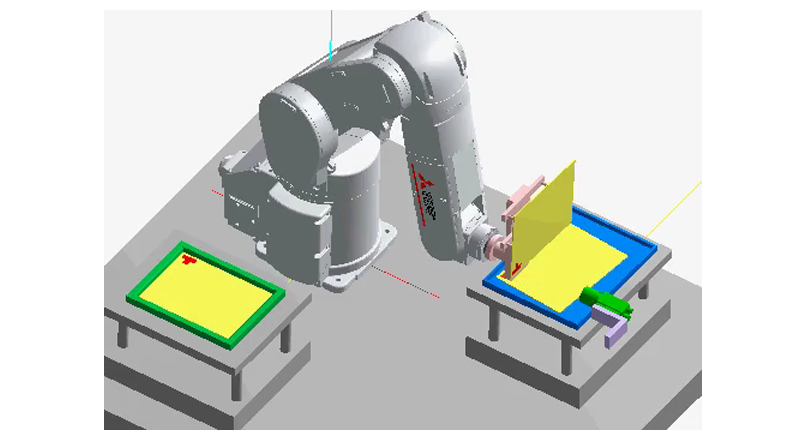
4.Correct grip errors a side looking fixed camera
Fixed sideways camera x 1
Vertical type robot
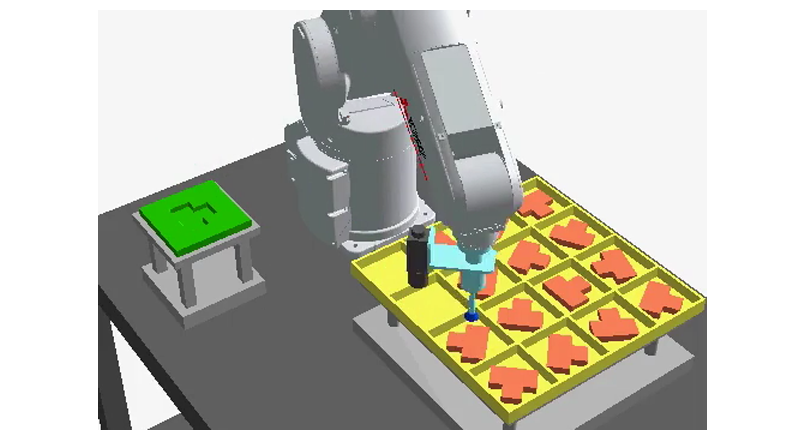
5.Pick a part from palette using a hand camera
Hand camera x 1
Vertical or Horizontal type robot
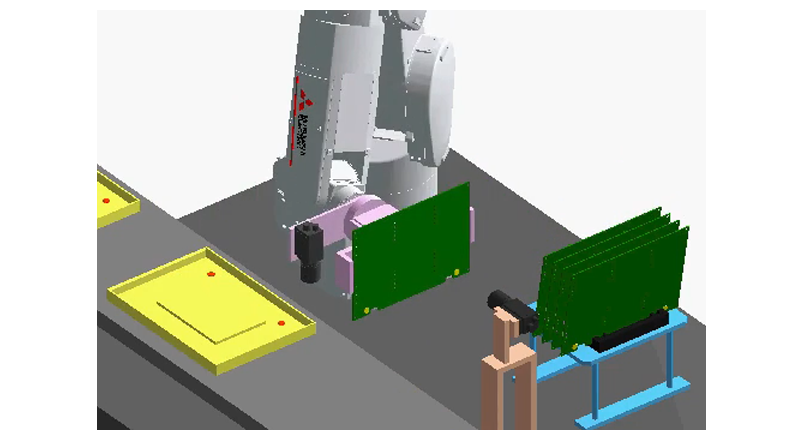
6.Using a hand camera, correcting grip errors by fixed camera
Fixed sideways camera x 1, Hand camera x 1
Vertical type robot
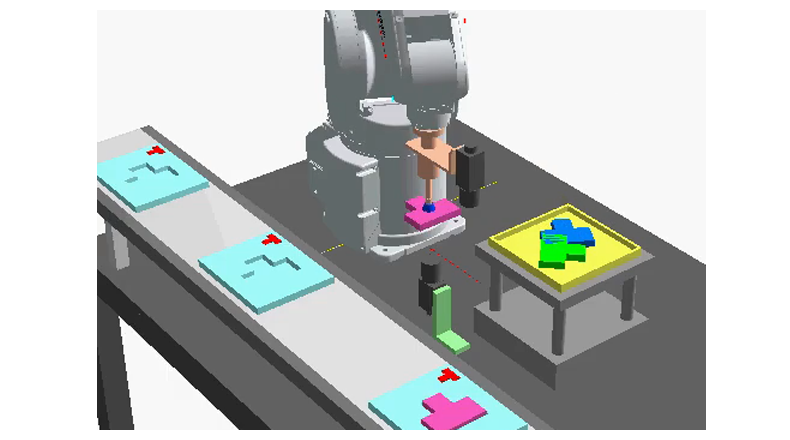
7.Correct grip errors and place a part (1)
Fixed upward-facing camera x 1, Hand camera x 1
Vertical or Horizontal type robot
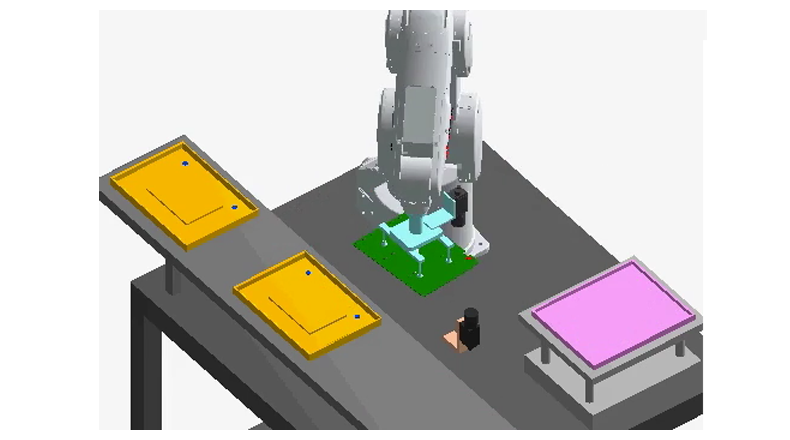
8.Correct grip errors and place a part (2)
Fixed upward-facing camera x 1, Hand camera x 1
Vertical or Horizontal type robot
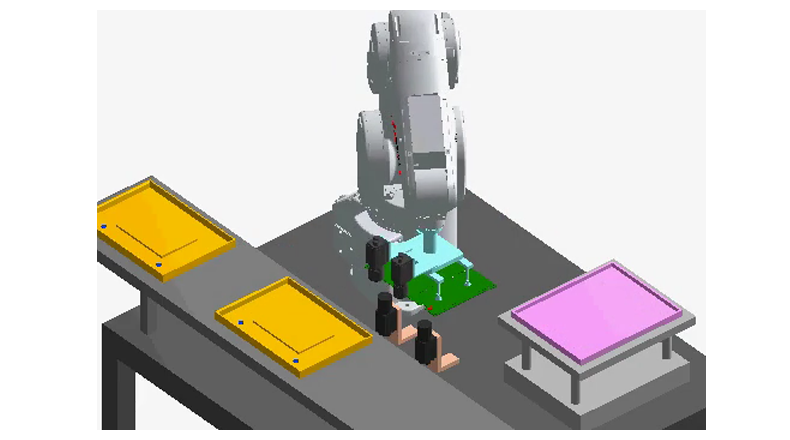
9.Correct grip errors and place a part (3)
Fixed upward-facing camera x 2, Hand camera x 2
Vertical or Horizontal type robot